 OneTask
Published
Scatter plot or line chart? How to choose
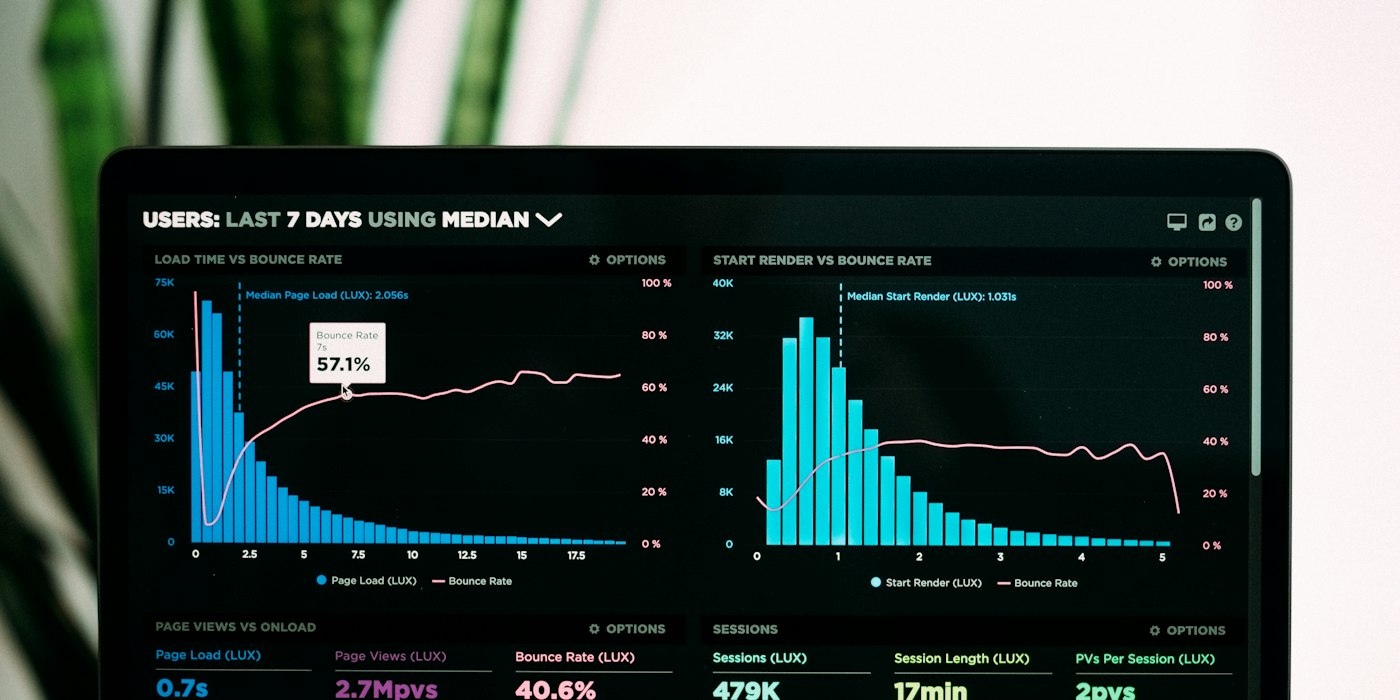
Scatter plots and line charts look alike. Both have two axes and both put a mark at each data point. The difference is whether you join the dots, and that one choice says something about the data. Joining points that should not be joined is one of the most common chart mistakes.
The question each chart answers
A line chart shows how one thing changes over an ordered sequence, usually time. Each point follows the one before it, so a line between them makes sense: it shows the path from one value to the next.
A scatter plot shows whether two measurements are related. Each point is one item, such as a person, a house or a day, placed by two of its values. The points have no natural order, so there is nothing to join.
| Data | Better chart |
|---|---|
| Monthly sales over two years | Line chart |
| Temperature through a day | Line chart |
| Height and weight of 200 people | Scatter plot |
| House size and sale price | Scatter plot |
| Ad spend and sales for 40 campaigns | Scatter plot |
| Website visits per day | Line chart |
A quick test: if you shuffled the rows of the data, would the chart still mean the same thing? If yes, use a scatter plot. If the order matters, a line chart.
Why joining the points misleads
Draw height and weight as a line chart and the line zigzags wildly, because each point is a different person sorted in whatever order the spreadsheet happened to be in. The line suggests a path that does not exist.
The reverse mistake is less harmful but loses information. Plot monthly sales as a scatter plot and the trend is still visible, but the eye has to work harder to follow it, and the sense of sequence disappears.
Line chart styles
When a line chart is the right choice, the style of line matters too.
- Straight segments are the honest default. They show the values and nothing in between.
- Smooth curves look polished but can invent peaks and dips between points that never happened. Use them only for data that really does change smoothly.
- Stepped lines hold each value flat until the next one. They suit values that change in jumps, such as a price, an interest rate or a stock level.
Gaps in the data should usually show as gaps, not a line drawn straight across. A line across a missing month implies you know what happened in it.
Reading a scatter plot
The shape of the cloud tells you most of what you need to know:
- Points rising left to right: as one value goes up, so does the other.
- Points falling: as one goes up, the other goes down.
- A shapeless cloud: no obvious relationship.
- A curve: a relationship, but not a straight-line one.
- A few points far from the rest: outliers, worth checking for errors before drawing any conclusion.
Trend lines and r
A trend line is the straight line that fits the points best. It summarises the direction of the relationship and lets you estimate one value from the other.
The correlation coefficient, r, measures how closely the points follow that line. It runs from −1 to +1.
| r | Meaning |
|---|---|
| Near +1 | Strong, rising relationship |
| Near 0 | Little or no straight-line relationship |
| Near −1 | Strong, falling relationship |
Two cautions. First, r only measures straight-line relationships; a perfect curve can have an r near zero. Always look at the plot, not just the number. Second, correlation is not cause. Ice cream sales and drownings rise together, because both rise in summer.
Too many points
With thousands of points, a scatter plot turns into a solid blob, and you cannot tell whether a dark area holds 50 points or 5000. Two fixes:
- Transparency. Make each point faint so dense areas build up darker.
- Hexbin plots. Divide the area into hexagons and colour each by how many points fall in it. This turns overlap into a readable density map. Log scaling helps when a few cells hold most of the data.
Make one
The scatter plot maker plots your data with an optional trend line and shows r. For data over time, the line chart maker draws straight, smooth or stepped lines. When there are too many points to see, the hexbin plot maker shows density with optional log scaling. More chart types are in the charts section.