 OneTask
Published
What a normal map does, and how to make one from a height map
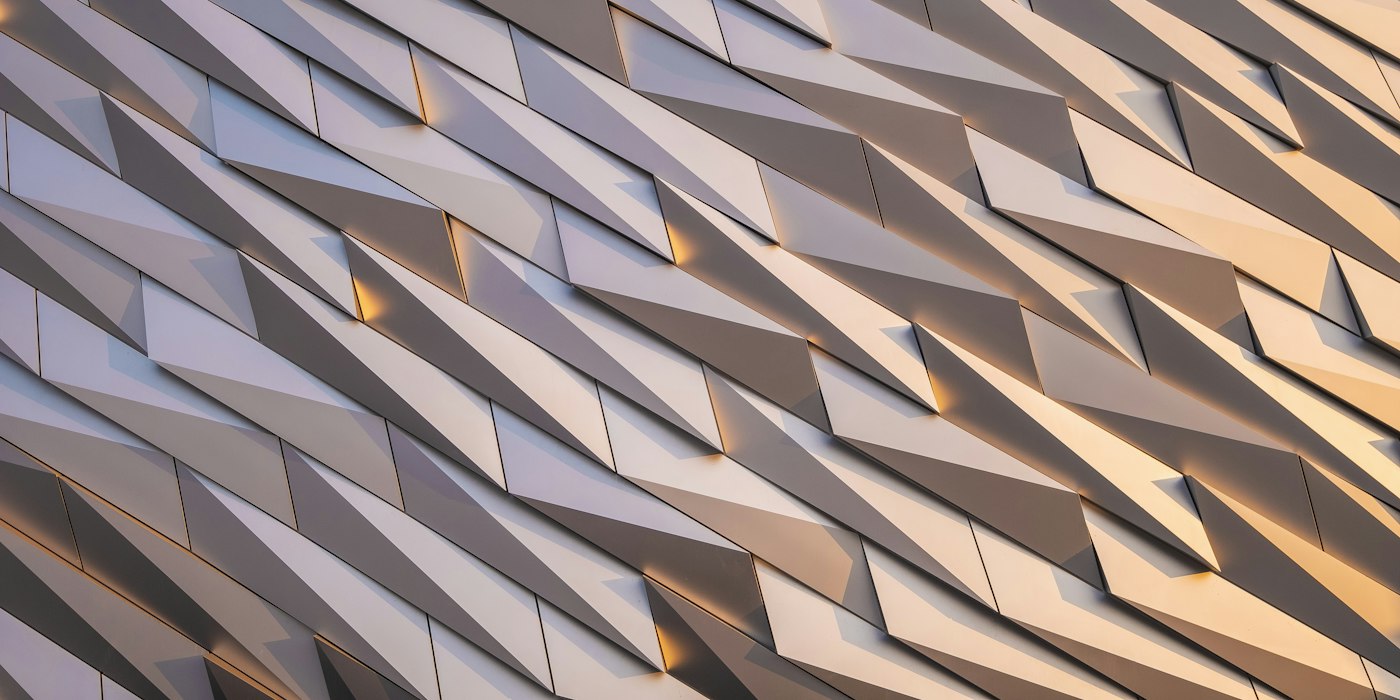
A brick wall in a game looks like it has deep mortar lines and rough, chipped bricks. Look at the wireframe and it is often a flat rectangle made of two triangles. The detail is in the lighting, and the lighting comes from a normal map.
What a normal is
In 3D graphics, a normal is the direction a surface faces at a point, an arrow pointing straight out of it. The renderer uses the normal to decide how bright each point is. A surface facing a light is bright. A surface angled away from it is darker.
A flat wall has the same normal everywhere, so it is lit evenly and looks flat. A normal map is an image that gives every pixel its own normal, so the renderer lights each pixel as if the surface were tilted that way. Mortar lines are angled into the wall, the edges of bricks catch the light, and the eye reads all of that as depth, though the geometry has not changed at all.
That is why normal maps are everywhere in real-time graphics. Modelling every brick would cost millions of triangles. A texture costs almost nothing by comparison.
Why normal maps are purple-blue
A normal is a direction in three dimensions, X, Y and Z. A normal map stores those three values in the red, green and blue channels of an image:
| Channel | Direction |
|---|---|
| Red | Left–right tilt (X) |
| Green | Up–down tilt (Y) |
| Blue | Facing straight out (Z) |
Each channel maps the range −1 to +1 onto 0 to 255. A surface that faces straight out has X = 0, Y = 0, Z = 1, which becomes roughly (128, 128, 255): that distinctive lavender blue. Areas tilted left or right shift towards cyan or pink; areas tilted up or down shift towards green or purple. A normal map that is mostly flat is mostly that one blue.
Height, bump and normal maps
These terms get mixed up, but they are different things.
A height map is a greyscale image where white means high and black means low. It is easy to paint or generate, and easy for humans to read.
A bump map is a height map used directly by the renderer, which works out the slope on the fly. It is an older and simpler technique.
A normal map stores the slope already worked out, as a direction per pixel. It is faster to render and can describe detail a height map cannot, and it is the standard in modern engines.
Since a normal is just the slope of the height, you can make a normal map from a height map. At each pixel, compare the heights of its neighbours: if the pixel to the right is higher, the surface tilts left there; if the pixel above is lower, it tilts up. Turn those slopes into a direction and store it as a colour.
Strength and blur
Two settings matter most when converting a height map.
Strength scales the slopes. Low strength gives gentle, shallow detail; high strength exaggerates every bump. Too high and the surface looks like it is made of sharp ridges; too low and it is barely visible. Fabric and plaster want low strength; carved stone and rivets want more.
Blur smooths the height map before the slopes are measured. Height maps made from photos are noisy, and every speck of noise becomes a tiny sharp bump. A small blur removes the noise and keeps the shapes.
OpenGL versus DirectX
There is one convention that catches everyone out. Engines disagree about which way the green channel points.
- OpenGL style (Y+): green means up. Used by Blender, Unity and Godot.
- DirectX style (Y−): green means down. Used by Unreal Engine and 3ds Max.
Load a map made for one into the other and the lighting looks inverted: bumps look like dents. The fix is to flip the green channel. Most tools have a switch for it, and it is worth checking first whenever a normal map looks wrong.
Tangent space
Normal maps for game assets are almost always in tangent space. That means the directions are stored relative to the surface itself, not the world. The same brick texture works on a wall, a floor or a curved tower, because "out" always means away from whatever surface it is on. That is why tangent-space maps are mostly blue: most of a surface points mostly outwards.
Make one
The normal map generator turns a greyscale height or bump image into a tangent-space normal map in the browser, with controls for strength and blur, a switch between OpenGL and DirectX conventions, and a lit preview on a plane, sphere or cube so you can see the result before downloading the PNG. If you do not have a height map to start from, the Perlin noise texture generator makes greyscale stone, marble and wood-grain patterns that work as one. More tools for textures and models are in the 3D section.