 OneTask
Published
Why a 1 TB drive shows up as 931 GB
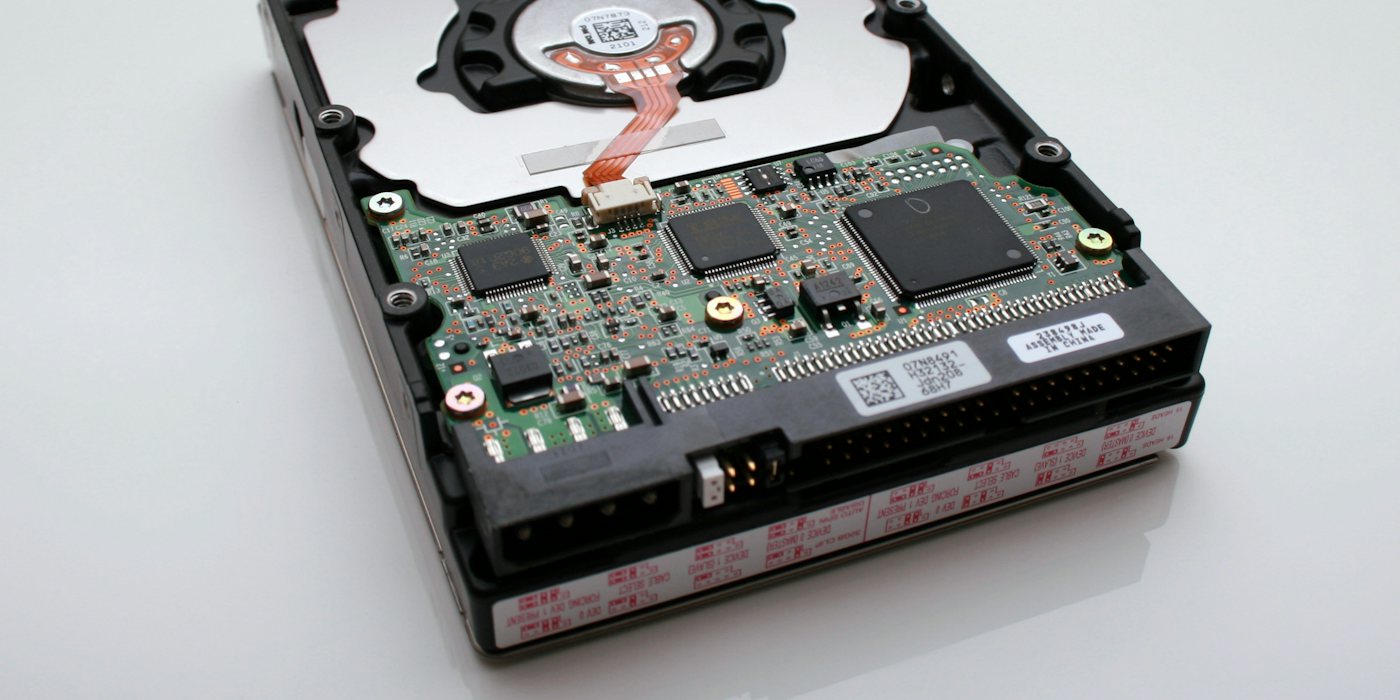
You buy a 1 TB drive, plug it in, and the computer says 931 GB. Roughly 70 gigabytes have apparently gone somewhere between the box and the desktop. Nothing has gone anywhere. Two different definitions of "gigabyte" are in play, and the gap between them is pure arithmetic.
Two ways to count
A drive manufacturer uses decimal units. To them, the prefixes mean exactly what they mean everywhere else in measurement:
1 kB = 1,000 bytes · 1 MB = 1,000,000 · 1 GB = 1,000,000,000 · 1 TB = 1,000,000,000,000
An operating system — Windows in particular — counts in binary, because memory addressing is built on powers of two:
1 KiB = 1,024 bytes · 1 MiB = 1,048,576 · 1 GiB = 1,073,741,824
The trouble is that Windows calls that last number "GB". So the drive holds 1,000,000,000,000 bytes, which is exactly what it says on the box, and Windows divides by 1,073,741,824 instead of 1,000,000,000:
1,000,000,000,000 ÷ 1,073,741,824 = 931.32
Hence 931 GB. The drive is the size it claims to be; it is being measured with a different ruler and the ruler is using the same word.
The gap grows with the unit
The two systems diverge by 2.4% at kilobytes and keep pulling apart, because the discrepancy compounds once per prefix:
- kB vs KiB — 2.4% apart
- MB vs MiB — 4.9%
- GB vs GiB — 7.4%
- TB vs TiB — 10.0%
- PB vs PiB — 12.6%
At the kilobyte level nobody notices. At terabyte scale it is a tenth of the drive, which is why the question only really comes up when you buy something big. An 8 TB drive shows as 7,276 GB in Windows, and the missing 724 "GB" is the same 10% again.
Who uses which
It is less inconsistent than it feels, once you know where the line falls.
Decimal (GB, MB): drive and SSD capacities, network speeds, mobile data allowances, USB stick sizes, and macOS and iOS since 2009 — Apple switched Finder to decimal specifically so that a 1 TB drive would report as 1 TB.
Binary (GiB, MiB, though often labelled GB, MB): Windows File Explorer, RAM sizes, most Linux tooling, file sizes in a lot of software, and cloud provider instance memory. RAM genuinely is binary — a 16 GB stick really is 17,179,869,184 bytes, because memory is addressed in powers of two and cannot sensibly be manufactured in round decimal sizes.
Network speed has a further trap. A "500 Mbps" connection is 500 megabits per second, not megabytes. Divide by eight for bytes: about 62.5 MB/s at best, which is why a download manager showing 60 MB/s on a 500 Mb line is reporting the line running at full speed, not at a tenth of it.
Where the rest of the space goes
Unit confusion explains most of the shortfall but not always all of it. Three other things take a slice:
Formatting. The filesystem itself needs space for its own structures — the file table, the journal, reserved blocks. On a modern large drive this is well under 1%, so it is a rounding error next to the 7.4%, but it is real.
Recovery partitions. A laptop bought with Windows pre-installed usually has a hidden recovery partition of 10–30 GB. That space exists and is allocated; it just is not offered to you.
Overprovisioning on SSDs. An SSD keeps a reserve of cells it does not expose, used to replace cells as they wear out and to keep write performance up. This is designed in and never appears as usable capacity.
None of these is the 70 GB. If your 1 TB drive shows 931 GB, that is the units. If it shows 880 GB, the units explain 69 of the missing 120 and a recovery partition probably explains the rest.
Saying it precisely
The IEC standardised the binary prefixes — kibi, mebi, gibi, tebi — in 1998, and they are unambiguous: GiB always means 1,073,741,824 bytes, and GB always means 1,000,000,000. They have never caught on in consumer software, so in practice you have to infer from context which one a program means.
The practical rule: if a number came from a hardware or network spec, it is decimal. If it came from Windows, RAM, or a tool written by a systems programmer, it is probably binary even when it says GB. When it matters — sizing a backup, checking whether an image fits a card, quoting storage in a contract — convert explicitly and say which unit you mean.
The GB to GiB converter does the conversion in both directions across every prefix, so you can check a capacity against what a drive actually holds without doing the powers of two in your head.