 OneTask
Published
What eDPI means, and why it matters more than DPI for aim
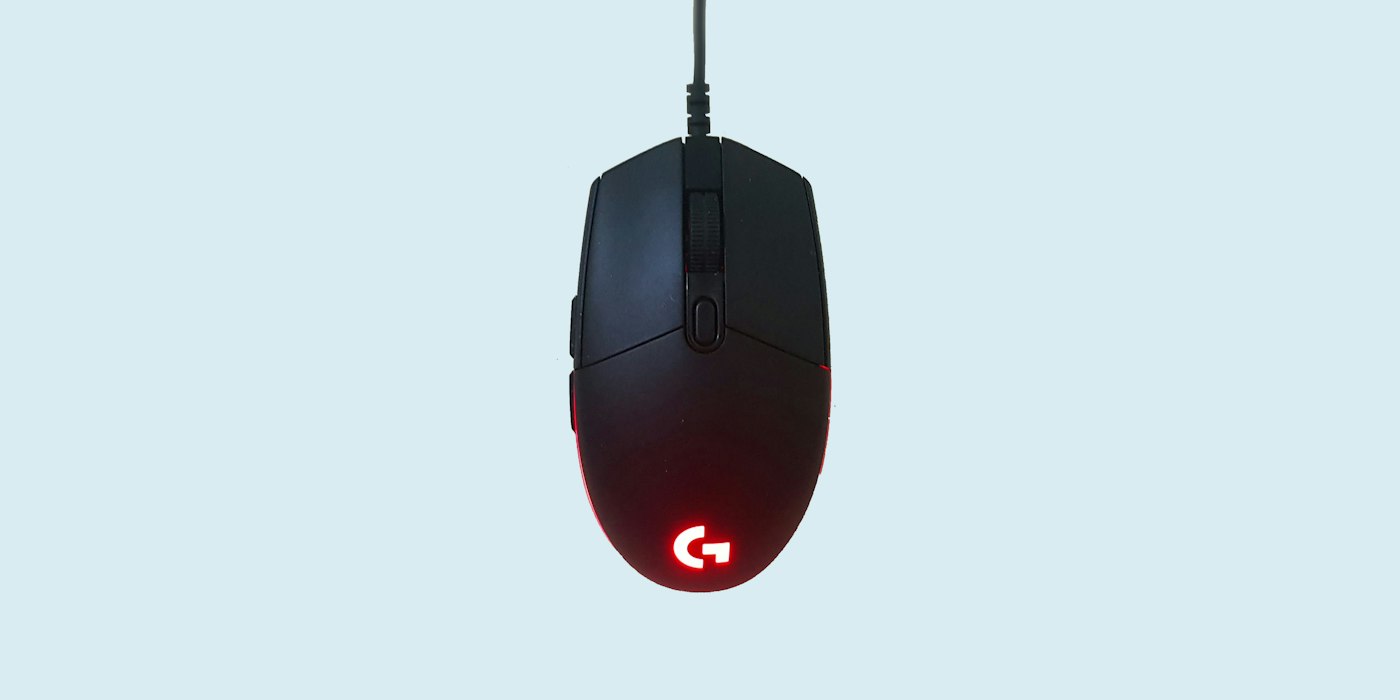
Two players can both say "I play on 800 DPI" and have completely different aim. One might turn 180 degrees with a flick of the wrist; the other needs a sweep of the whole arm. DPI is only half the story. The number that describes how your aim actually feels is eDPI.
DPI and sensitivity
DPI (dots per inch, sometimes called CPI) is a property of the mouse. At 800 DPI, moving the mouse one inch sends 800 counts to the computer.
Sensitivity is a setting in the game. It decides how far the view turns for each count the mouse sends.
Change either and your aim changes. 400 DPI at sensitivity 2 moves the crosshair the same distance as 800 DPI at sensitivity 1. So comparing DPI alone, or sensitivity alone, tells you very little.
Effective DPI
eDPI multiplies the two:
eDPI = DPI × in-game sensitivity
| DPI | Sensitivity | eDPI |
|---|---|---|
| 400 | 2.0 | 800 |
| 800 | 1.0 | 800 |
| 1600 | 0.5 | 800 |
All three feel the same in-game. eDPI gives one number you can compare between players, as long as they play the same game.
Distance for a full turn
eDPI is easy to compare but hard to picture. A more physical measure is how far you move the mouse to turn a full 360 degrees, usually given in centimetres and called cm/360.
Each game turns by a fixed angle per count at sensitivity 1, called its yaw. For Counter-Strike 2 that is 0.022 degrees. So:
cm/360 = 360 ÷ (eDPI × yaw) × 2.54
At 800 eDPI in CS2:
360 ÷ (800 × 0.022) × 2.54 = 20.45 inches × 2.54 ≈ 52 cm
Fifty-two centimetres is roughly the width of a large mouse mat. Halve the eDPI and you need twice the distance.
Typical ranges
Pro players in tactical shooters mostly play lower than people expect. As a rough guide, CS2 pros cluster around 600–1200 eDPI, and the long-run average sits near 850. Valorant uses a different scale, so its eDPI numbers look smaller, typically 200–400 for pros.
Low sensitivity trades speed for precision. Small adjustments on a distant head are easier when a millimetre of hand movement is a tiny turn. Fast arena shooters and games where enemies attack from every direction tend to push players higher.
There is no correct number. A pro's eDPI is a reasonable starting point if you are unsure, not a target. Your desk space, mouse mat and whether you aim with the wrist or the arm all matter more.
Higher DPI with lower sensitivity
Since only eDPI matters for feel, why not always use 400 DPI? A few reasons people pick higher DPI:
- Smoother small movements. More counts per inch means finer steps, which can help at very low sensitivities.
- Desktop use. 400 DPI on a 4K screen means dragging the mouse a long way across the desktop.
- Sensor behaviour. Modern sensors handle 800 and 1600 DPI without the problems older sensors had at high settings.
For most players, 800 or 1600 DPI with sensitivity adjusted to taste is a sensible default.
Carrying sensitivity between games
Every game uses its own sensitivity scale, so copying the number from one game to another does not work. Sensitivity 1.0 in CS2 is not the same as 1.0 in Valorant or Apex.
What should carry over is the cm/360, the physical distance for a turn. Work out your cm/360 in the game you know, then find the sensitivity in the new game that gives the same distance. Some players match a different measure instead, such as the distance to move the crosshair across part of the screen, which feels more consistent when field of view differs between games. Either way, matching by distance beats guessing.
Your hardware matters too
Aim is not only about settings. A low frame rate adds input delay and makes tracking feel heavy, whatever the sensitivity. If a game feels sluggish, check whether the graphics card or processor is holding the frame rate back before blaming the mouse.
Work it out
The eDPI calculator multiplies DPI by sensitivity, shows the cm/360, compares you with typical pro settings, and converts your sensitivity to CS2, Valorant, Apex, Overwatch 2, Call of Duty, Fortnite and Rainbow Six Siege. If your frame rate is the problem, the bottleneck calculator shows whether the CPU or GPU limits you at 1080p, 1440p, ultrawide or 4K. More tools are in the gaming calculators section.